


























Bitdefender Mobile Security 1Year, 3Devices
Details
-
How to redeem
1. Go to https://central.bitdefender.com and sign in to your Bitdefender Central account.
2. If you don’t have any active subscriptions in your Bitdefender Central account, as soon as you sign in you will be prompted to either activate your new subscription or to buy Bitdefender. Click ACTIVATE YOUR SUBSCRIPTION. If another subscription is already active in your Central account, access the My Subscriptions panel located on the left side of the page. Next, click + Activate with code.
3. Enter the new activation code you received via email or from the retailer. If you bought Bitdefender directly from the Bitdefender website, enter the activation code found in the confirmation email you received after your purchase. This code can be located beneath the section that reads “Want to use your activation code instead?”
4. Click ACTIVATE to continue.
5. Choose how you would like to use the code, and then press the CONFIRM ACTIVATION button. For instance, you can choose to add a separate subscription or to extend the current one. The latter option is only available if one of your current subscriptions is identical to the new one you are trying to add.
6. The subscription is now active in your Bitdefender Central account! -
Region & Compatibility
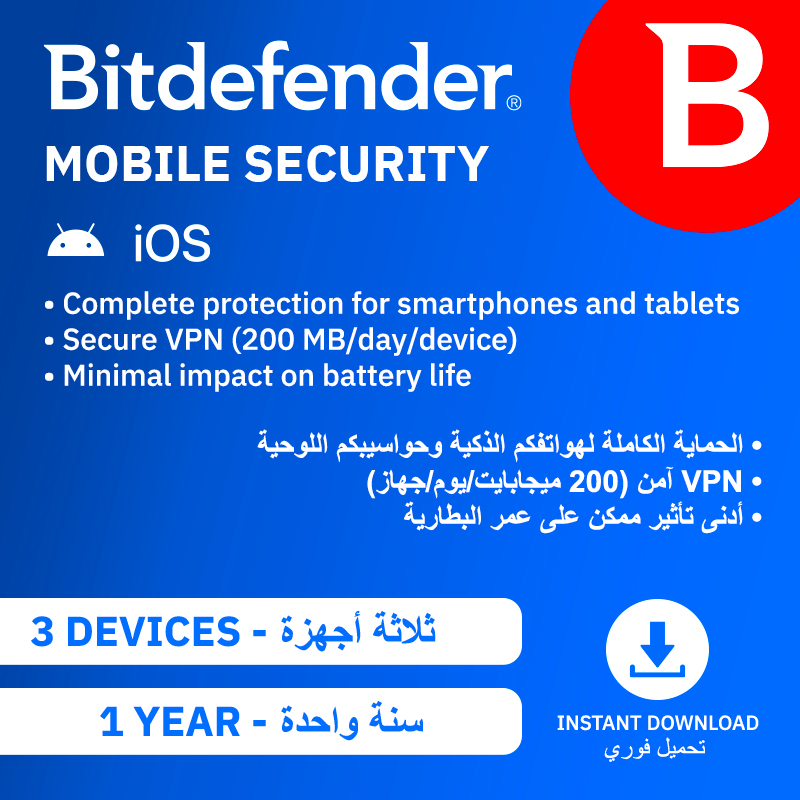
Bitdefender Mobile Security gives your mobile devices absolute protection against viruses and malware.
Protection
App Anomaly Detection (Android only)
An industry-first, extra layer of security to keep users protected against evolving threats as soon as they exhibit malicious behavior.
Web Protection
Our anti-phishing system scans web pages and warns you when you come across fraudulent pages.
Anti-theft (Android only)
With Bitdefender Anti-Theft, you can remotely locate, lock, wipe or send a message to your device in case of loss or theft.
Scam-Alert
It safeguards your notifications, texts, and instant messages to prevent you and others from falling victim to scams.
Performance
Battery & Performance Saver
We designed Bitdefender Mobile Security for Android to give you the most effective protection, combined with efficient power management.
Privacy
Bitdefender VPN
It protects your online presence by encrypting all Internet traffic. Bitdefender Mobile Security includes up to 200 MB per day of encrypted traffic.
Account Privacy
Check if your online accounts have been involved in any data breaches. Account Privacy notifies you when your sensitive data is at risk, and lets you take action depending on its status. -
Why JokerCodes?
Now available on jokercodes.com
The Joker delivers.
How to receive this code instantly and conveniently
1. Select the payment method you prefer. jokercodes.com
2. Receive the code by email immediately.
3. Enjoy!
-
Terms and Conditions
https://www.bitdefender.com/site/view/legal-terms.html